Masimo • B2B • Shipped ‘25 • Design Timeline: Q1 ‘21-Q2 ‘22

Led the Redesign of a Hospital Device Configuration Tool, Boosting Technician Performance by Increasing Task Success and Reducing Operation Time.
About
Sketch is a desktop configuration tool used by Masimo technicians to configure Masimo hospital monitoring devices, including Early Warning Score (EWS), Vital Signs Check, and EMR integrations to meet each hospital’s requirements.
The Challenges
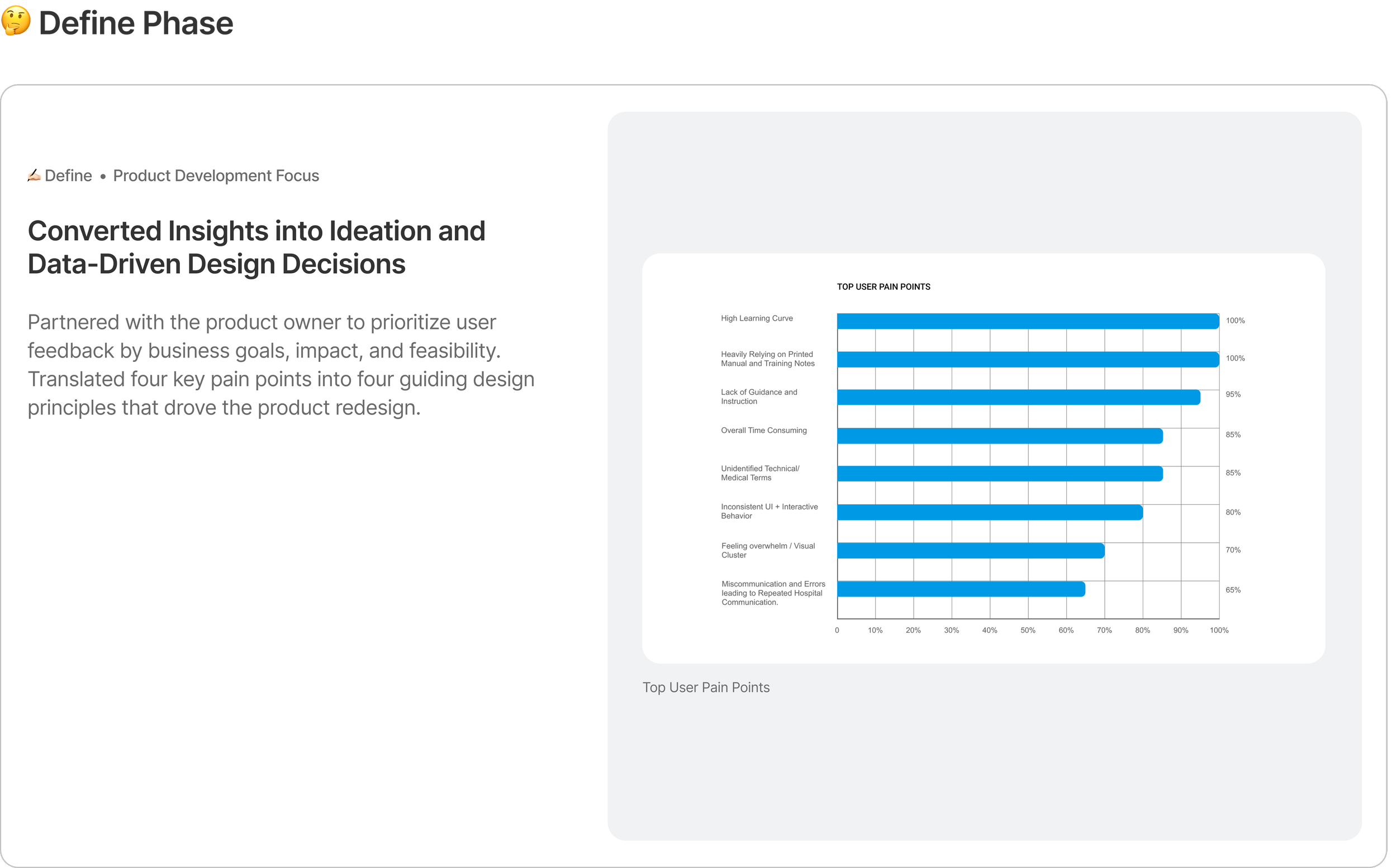
User Pain Points
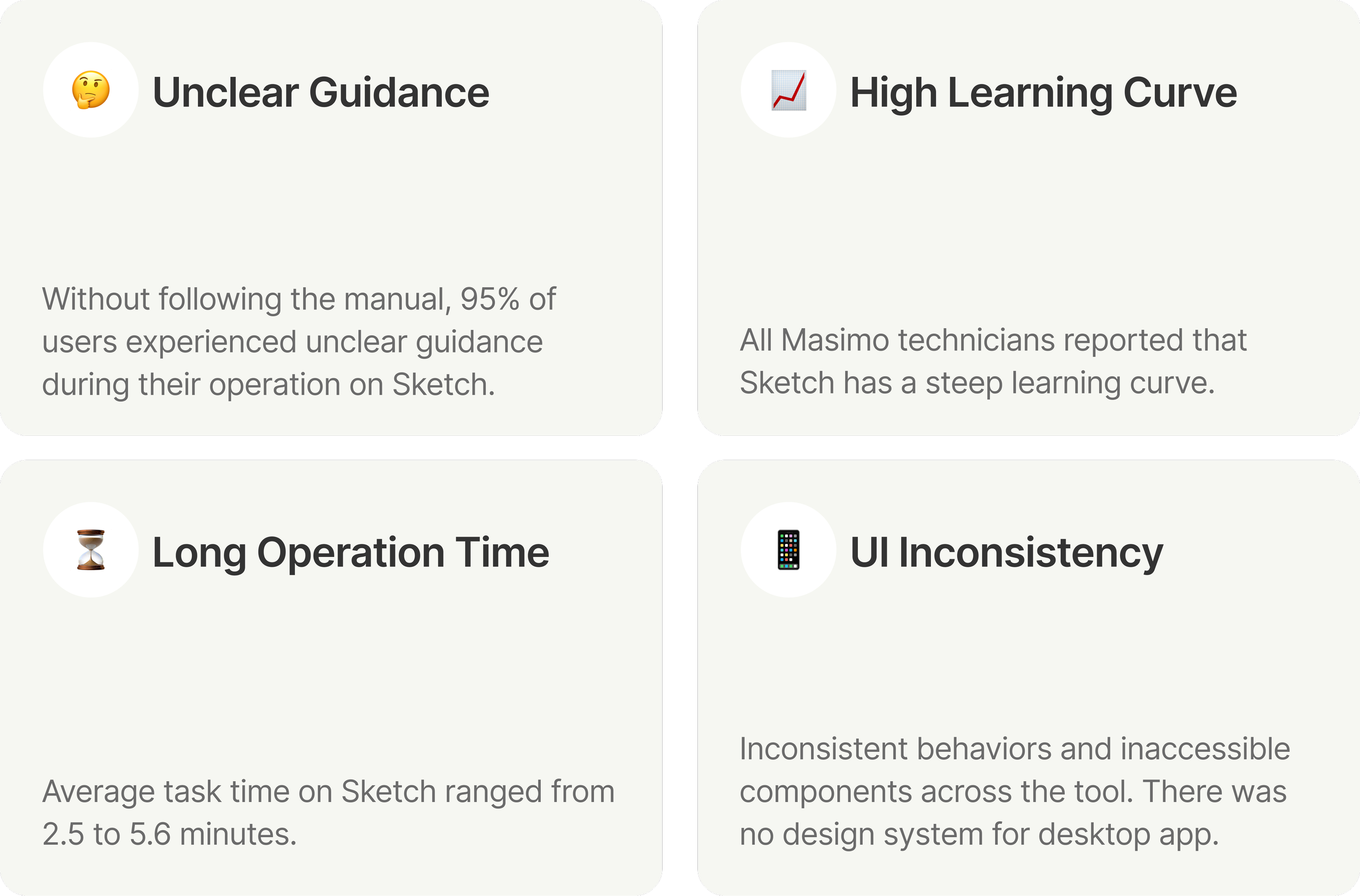
The Current System
Redesign Goals
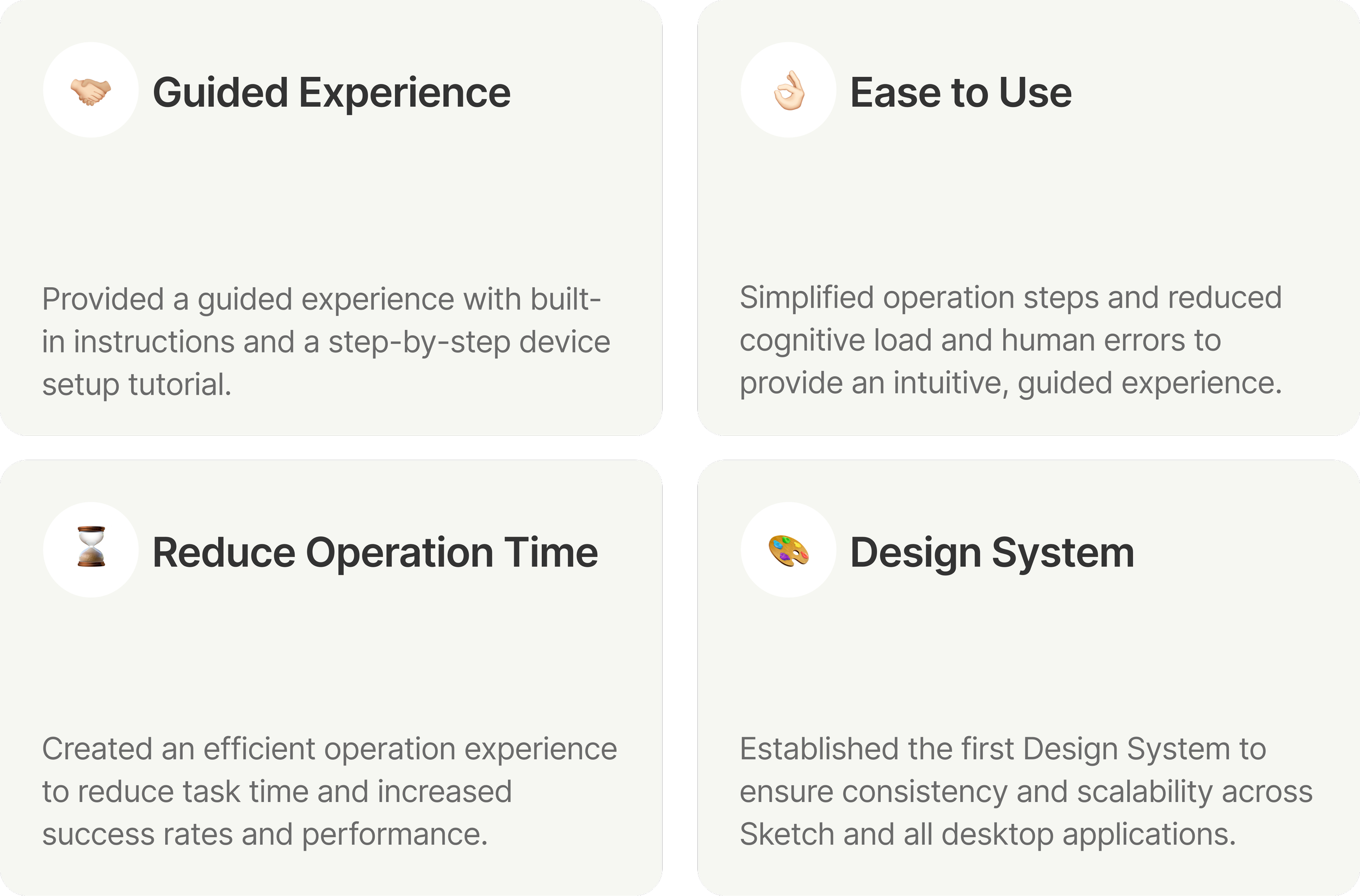
The Vision Ecosystem
My Role
As design lead, I drove the Sketch UI rebrand, established the product’s first design system, and simplified key configuration workflows to improve task success, reduce operation time, and increase user satisfaction.
My Contributions
Impacts
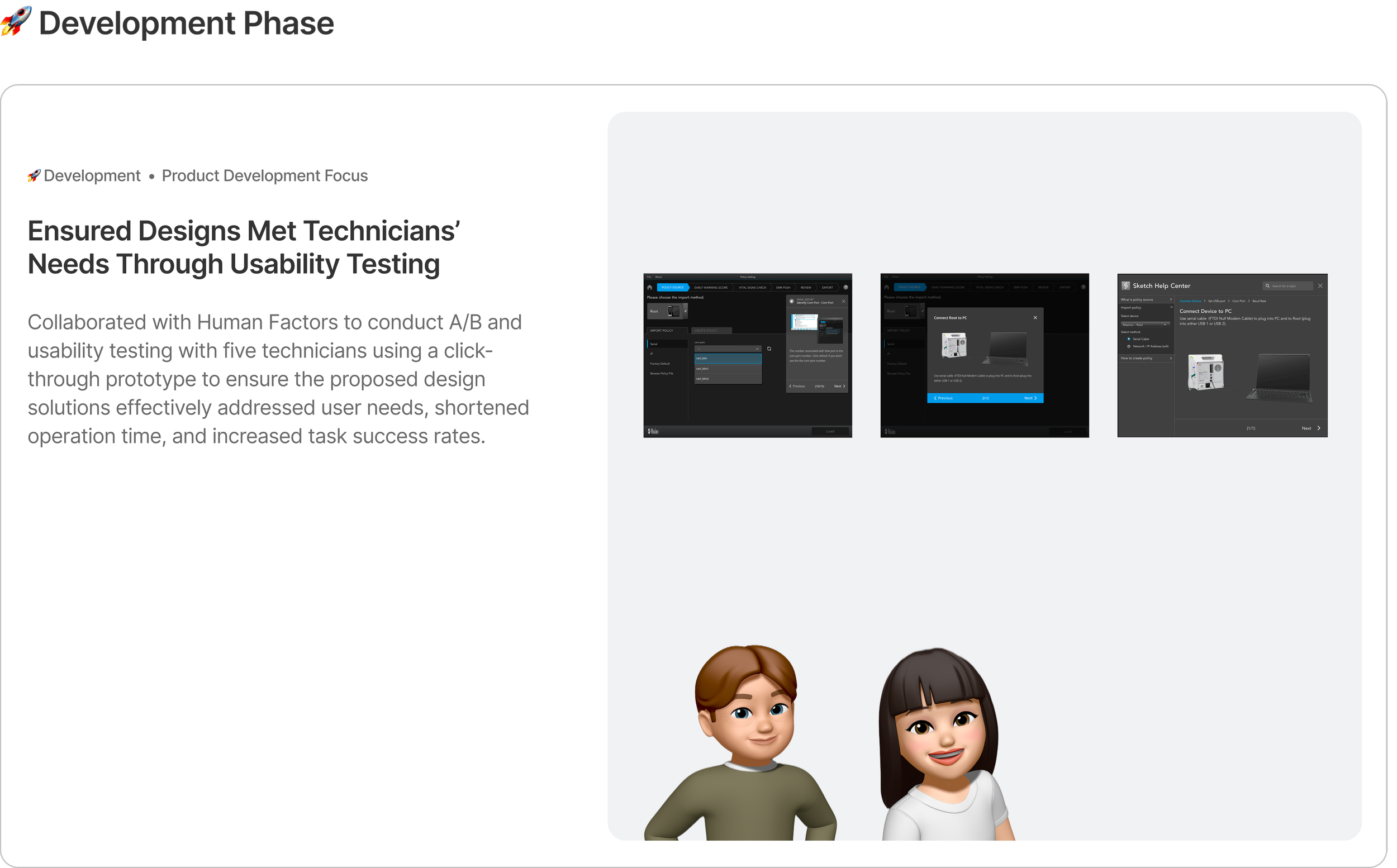
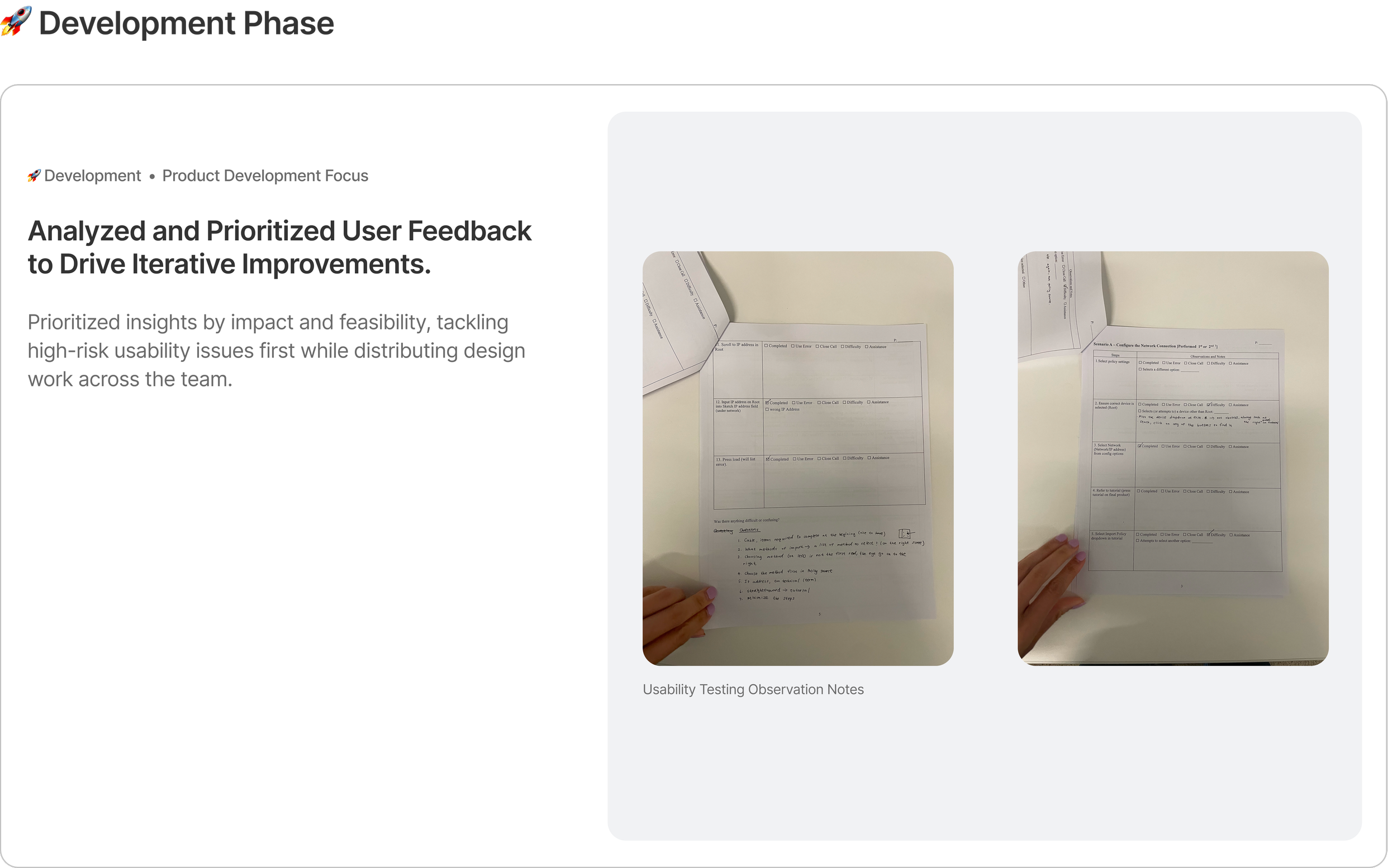
Although the product launched internally in May 2025 after I left the company, usability testing greatly validated the redesign’s impact on efficiency, clarity, and task success.
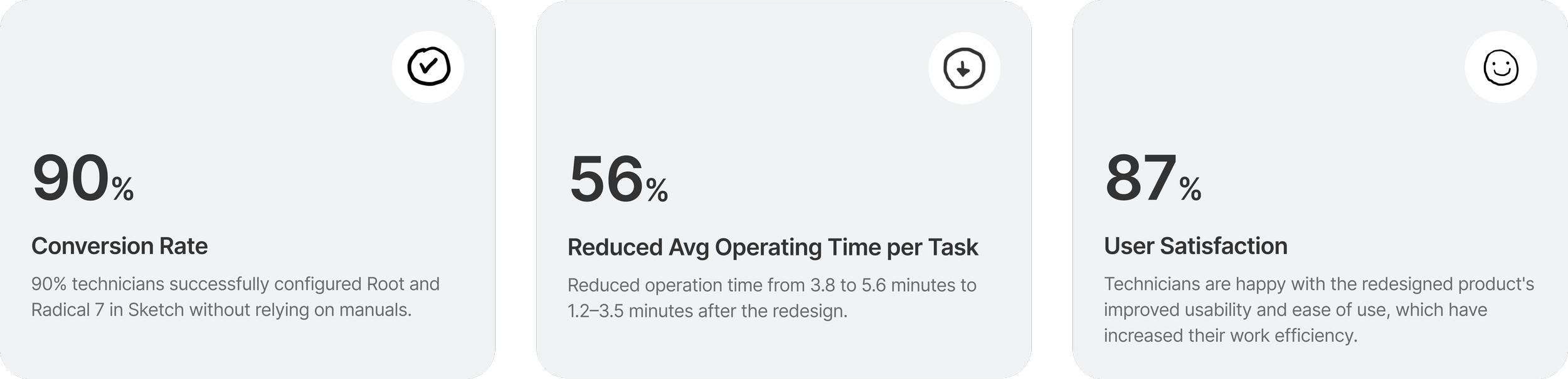
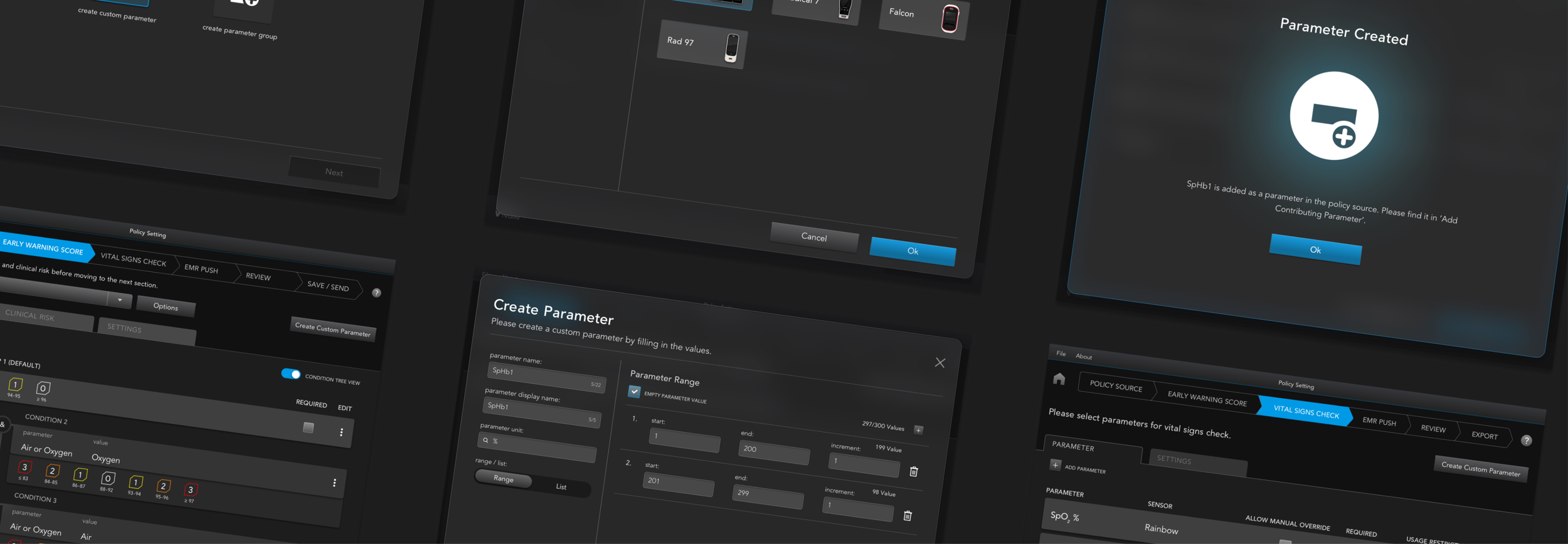
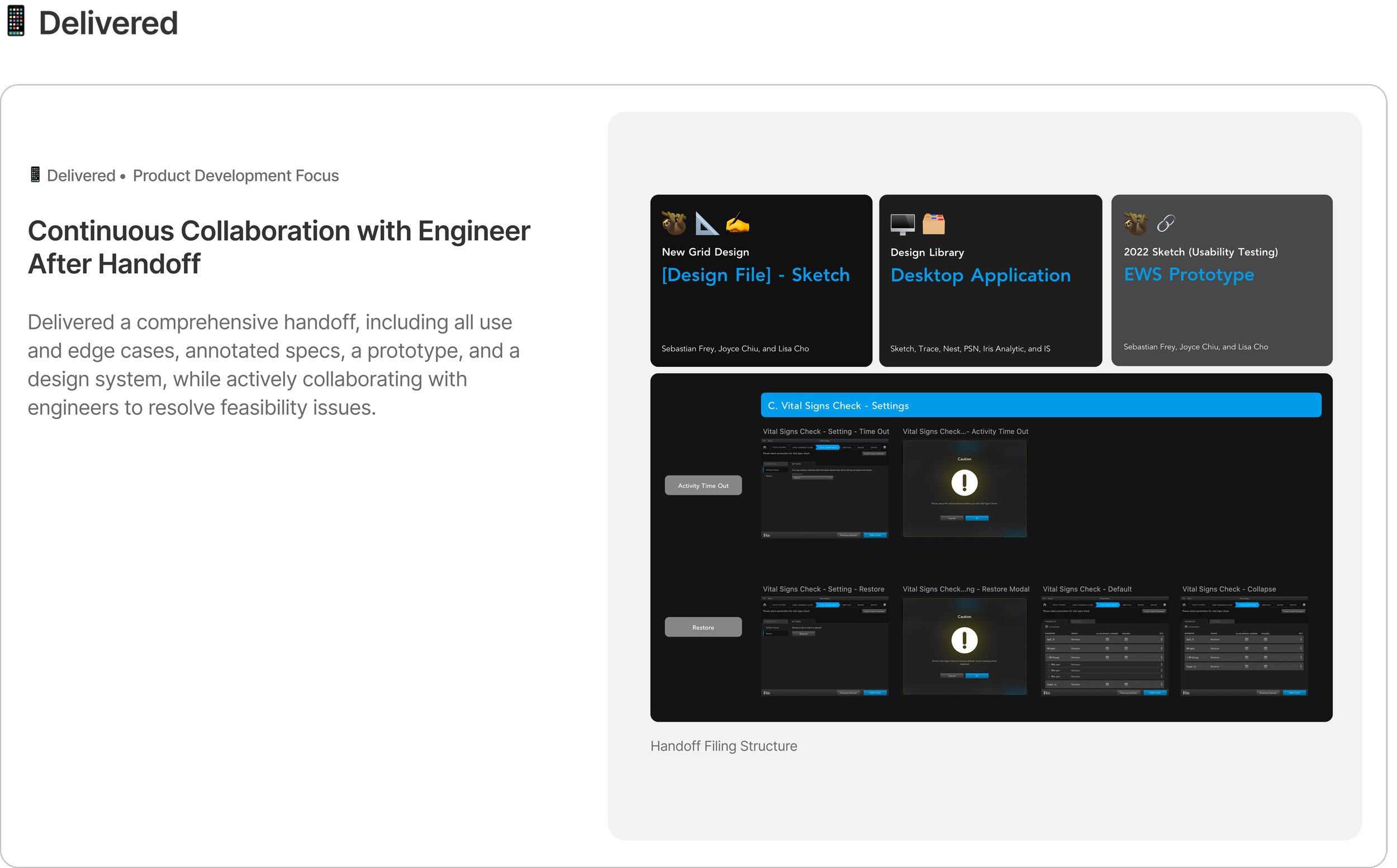
Final Deliverables Highlights
01 Policy Source
Implemented a Guided Device Setup Tutorial to Improve Setup Success, Increase Efficiency, and Reduce Human Error.

Before • No Device Setup and Import Guidance
“I can’t always remember each device’s setup steps and import method, which makes configuration harder and increases the chance of mistakes.”
After • Step By Step Tutorial
“This is a game changer. The step-by-step guidance saves me time and helps prevent missed steps and setup errors.”

02 Create Custom Parameter
Redesigned the Custom-Parameter Workflow to Improve Clarity, Scalability, and Long-Term Usability.
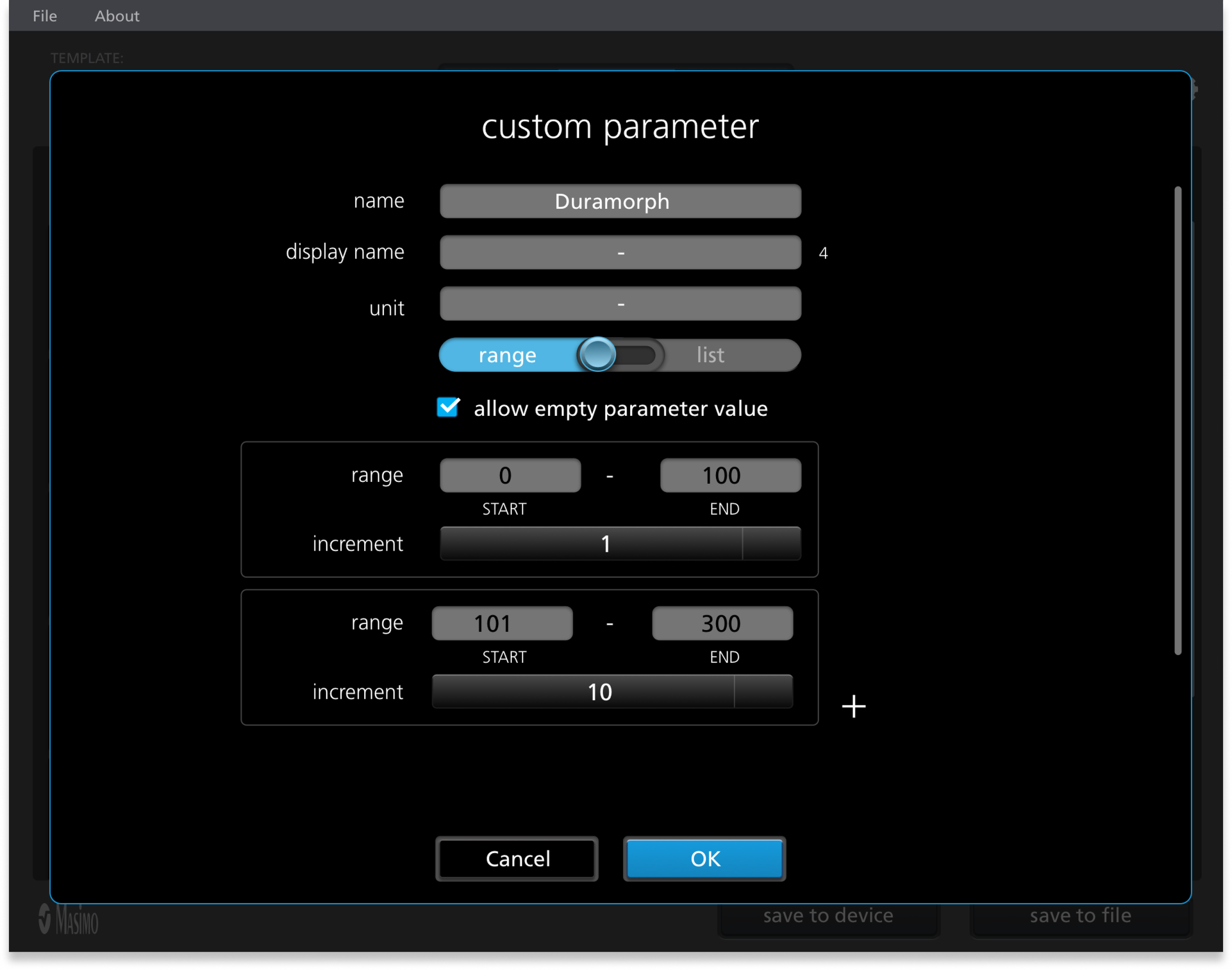
Before • Inconsistent and inaccessible UI
“Creating a custom parameter is difficult. The lack of guidance and inconsistent component behavior slow down my workflow.'“
After • Consistent UI
“The redesign makes custom-parameter creation clearer and easier through improved navigation, a clearer layout and more consistent UI behavior.”
Redesigned the EWS Contributing-Parameter Workflow to Reduce Task Time and Lower the Learning Curve.
03 Add Contributing Parameter with EWS
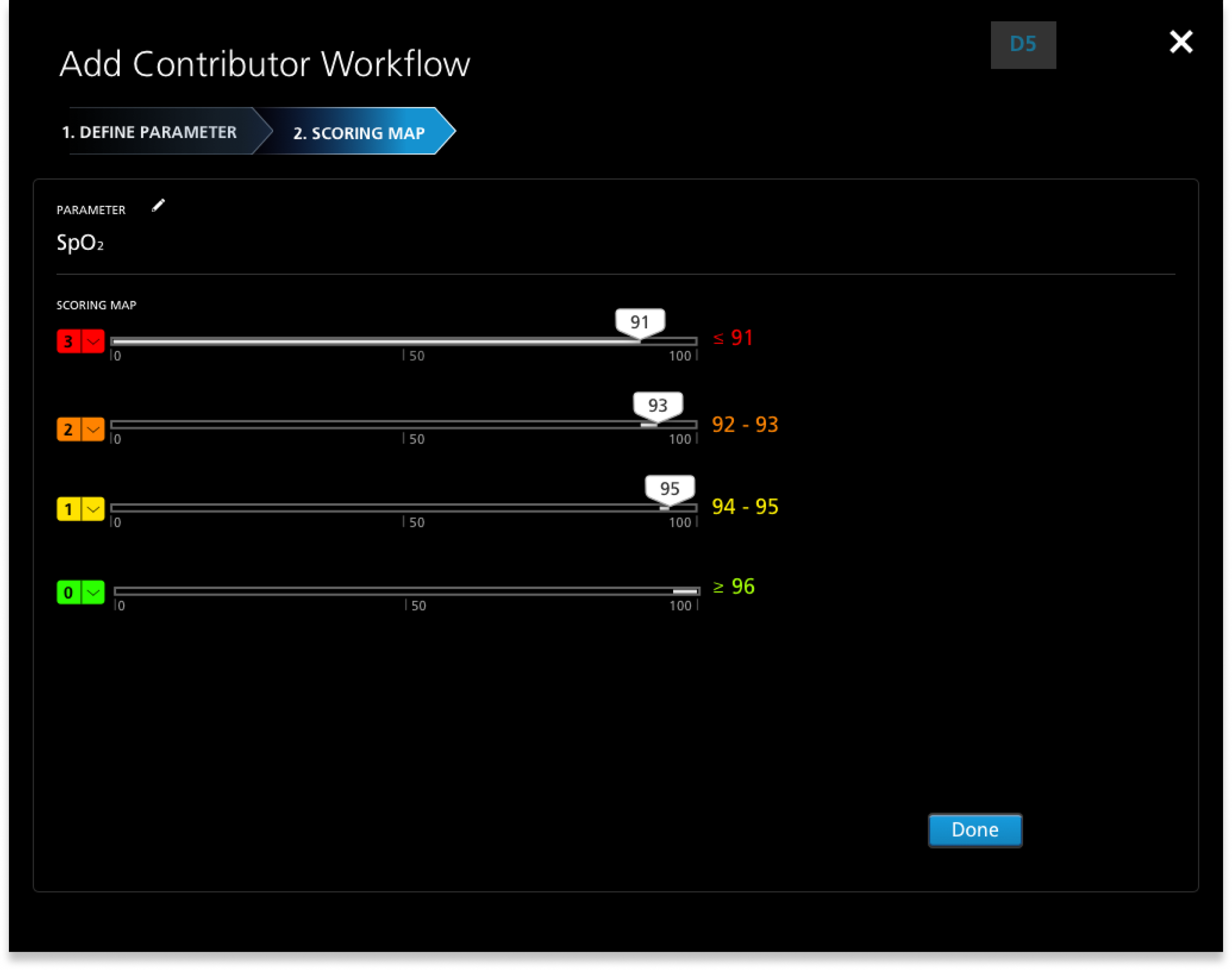
Before • Long Operation Time + High Learning Curve
“Adding contributors is difficult. Without clear guidance, consistent UI, or a back button, mistakes force me to restart my edits.”
After • Reduced Task Time + Learning Curve
“This make setup much easier with clear instructions, a progress bar, consistent controls, and Back and Edit actions that let me fix mistakes without starting over.”
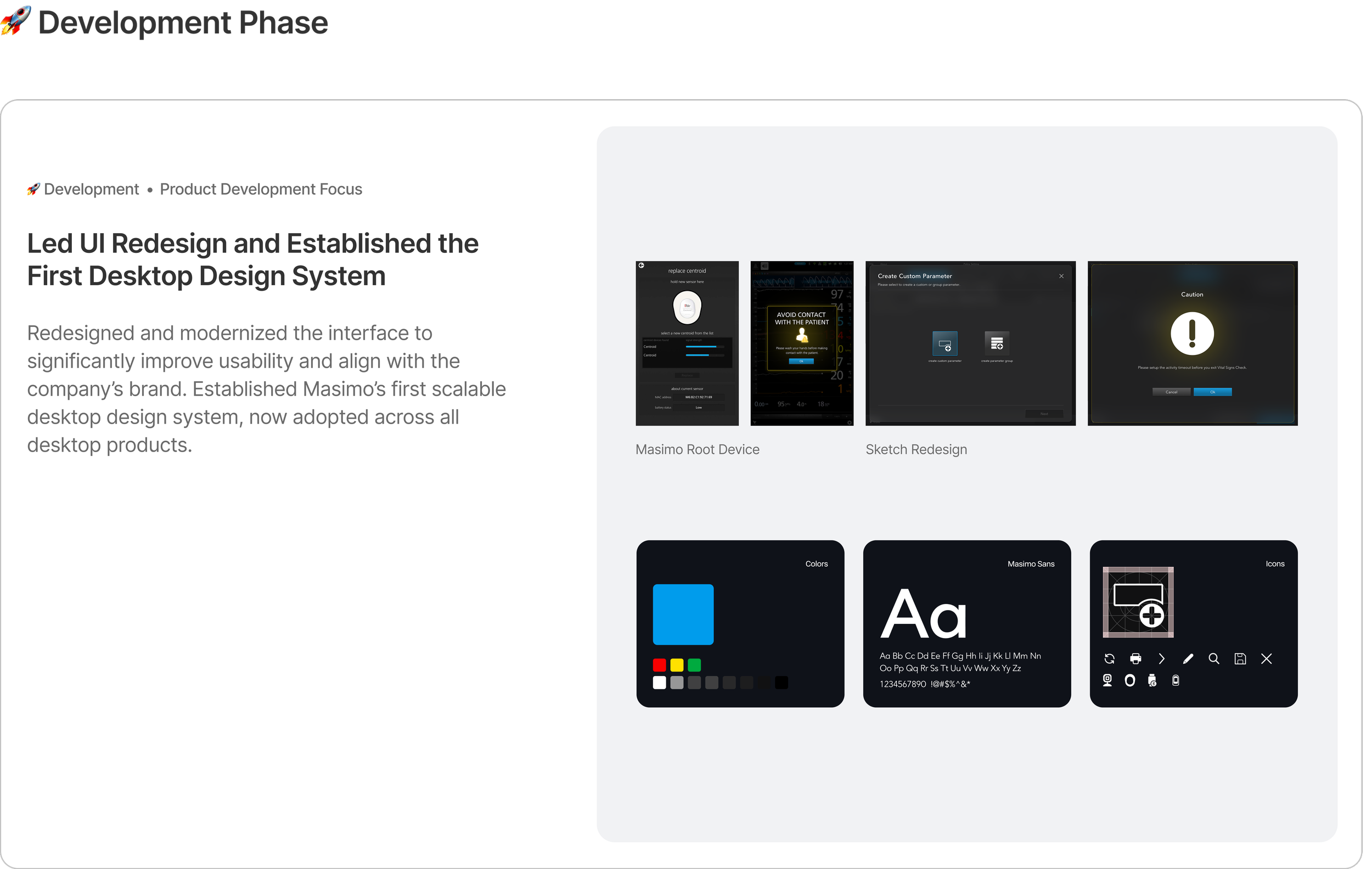
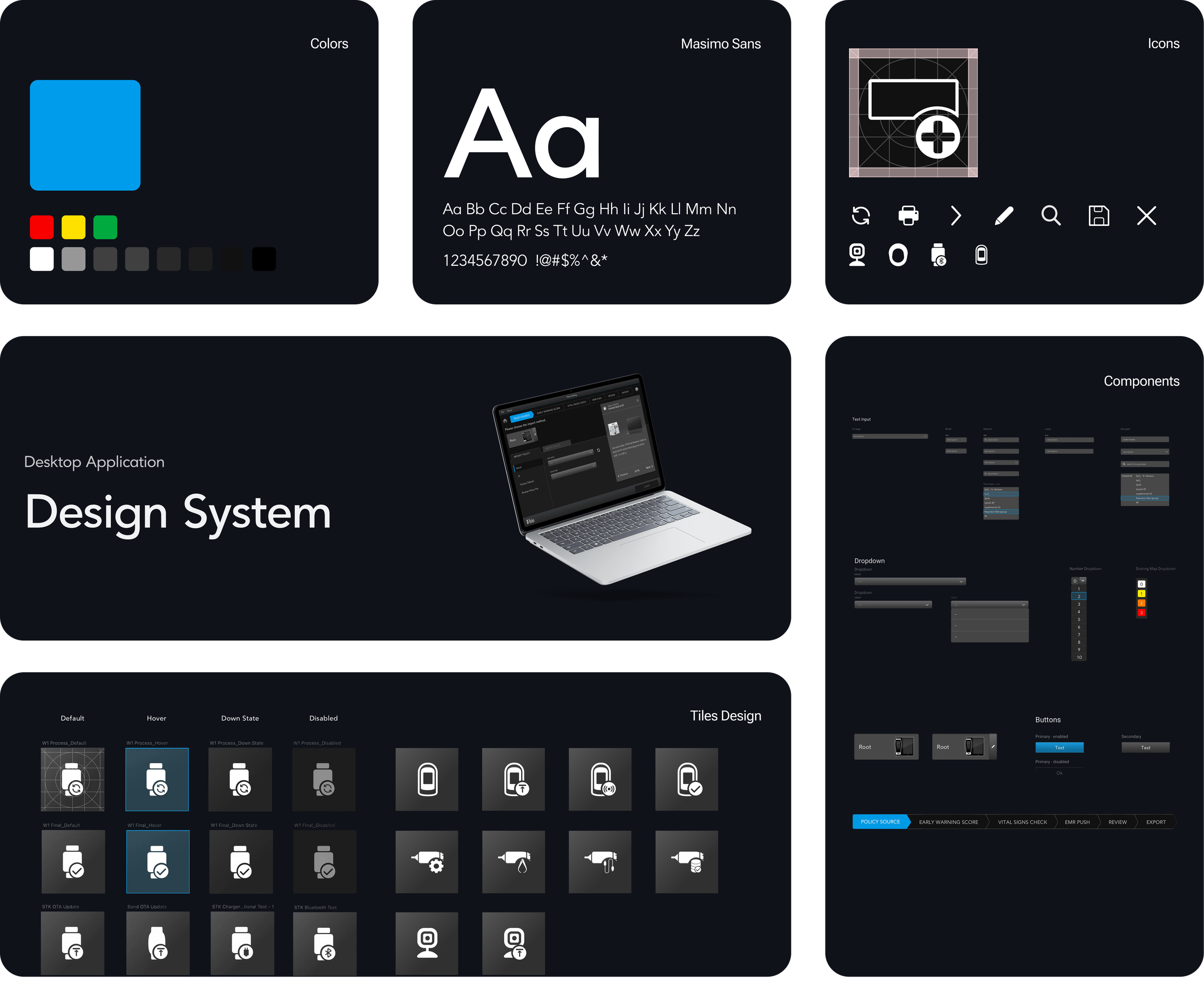
Design System
Built Masimo’s first desktop application design system, now being adopted as the standard across all desktop applications company‑wide.