Willow • B2B2C • Shipped 2026 • Timeline: Q3 ‘25 - Q1 ‘26

Led Nutu’s Redesign Across Onboarding, Home, Report, and Core Growth Flows to Improve Activation, Conversion and Everyday Engagement for Healthy and Pre-Diabetic Users.
About
Nutu is a health and wellness app that helps users improve their well-being through a personalized Nutu Score based on metabolism, food, exercise, and sleep. It offers programs such as Healthy Living and Diabetes Prevention to support healthier habits and pre-diabetes reversal.
Nutu V1.0 Launched but didn’t Meet its Product Goals
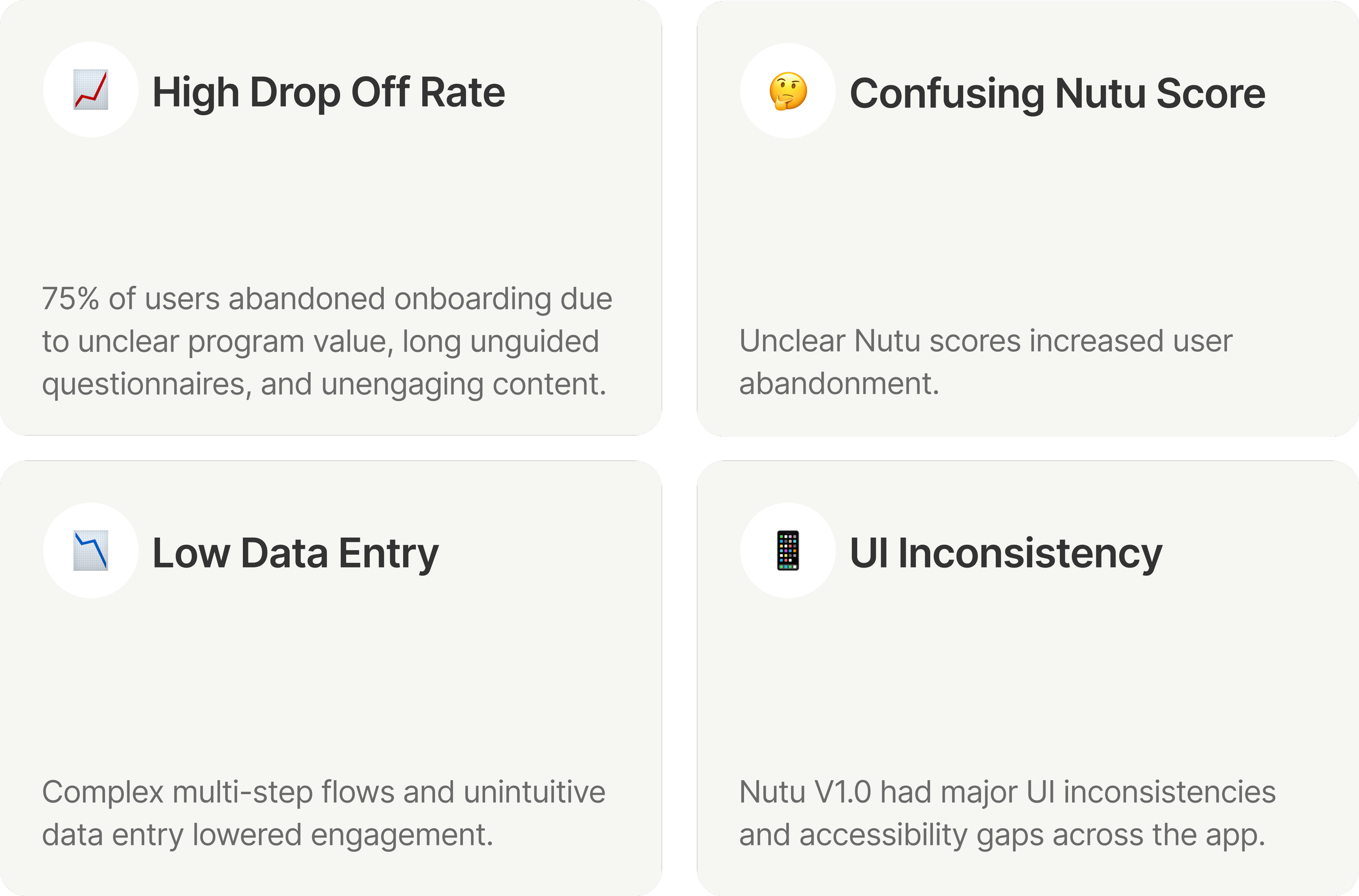
Nutu V2.0 Redesign Goals
My Role
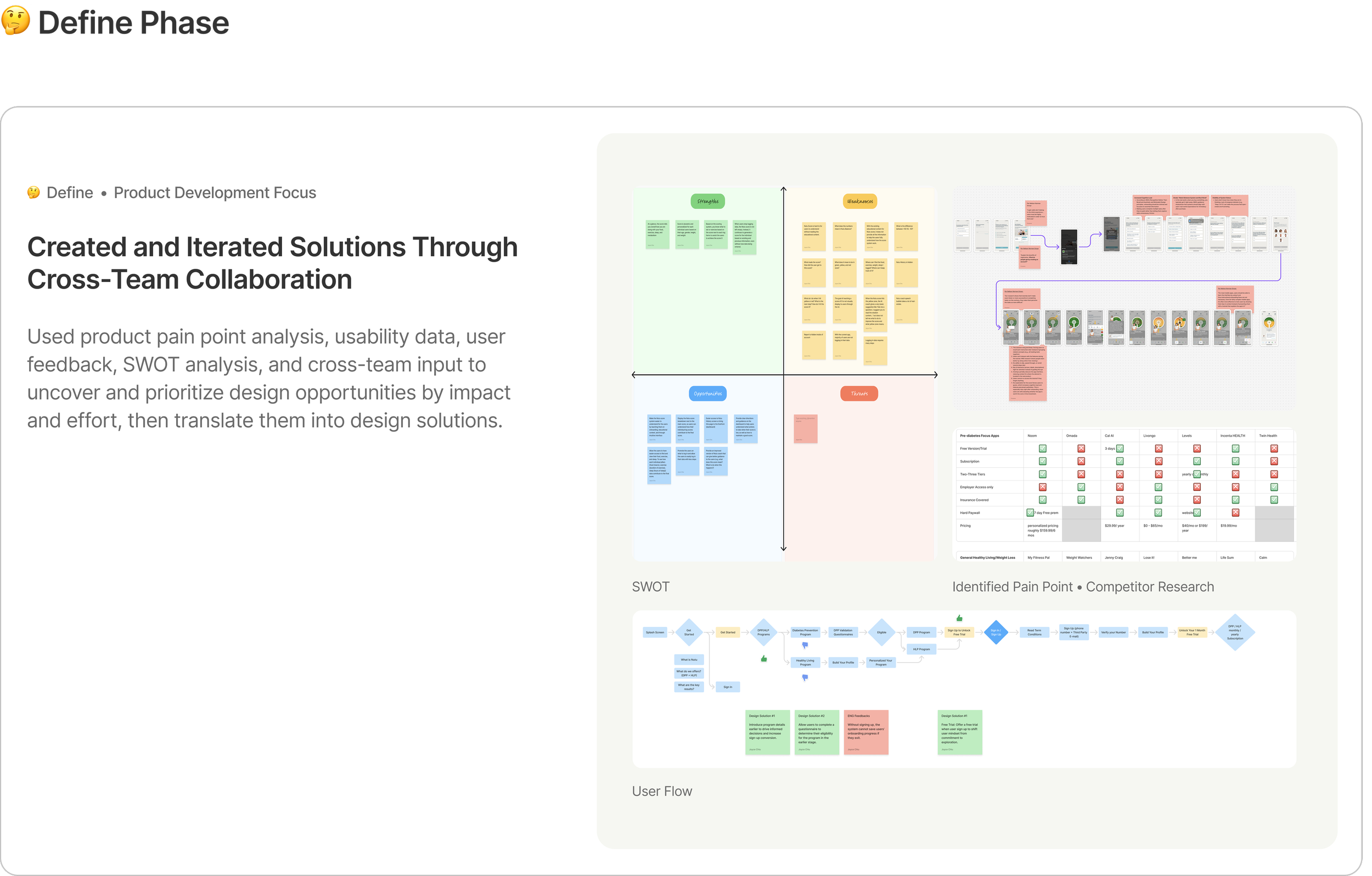
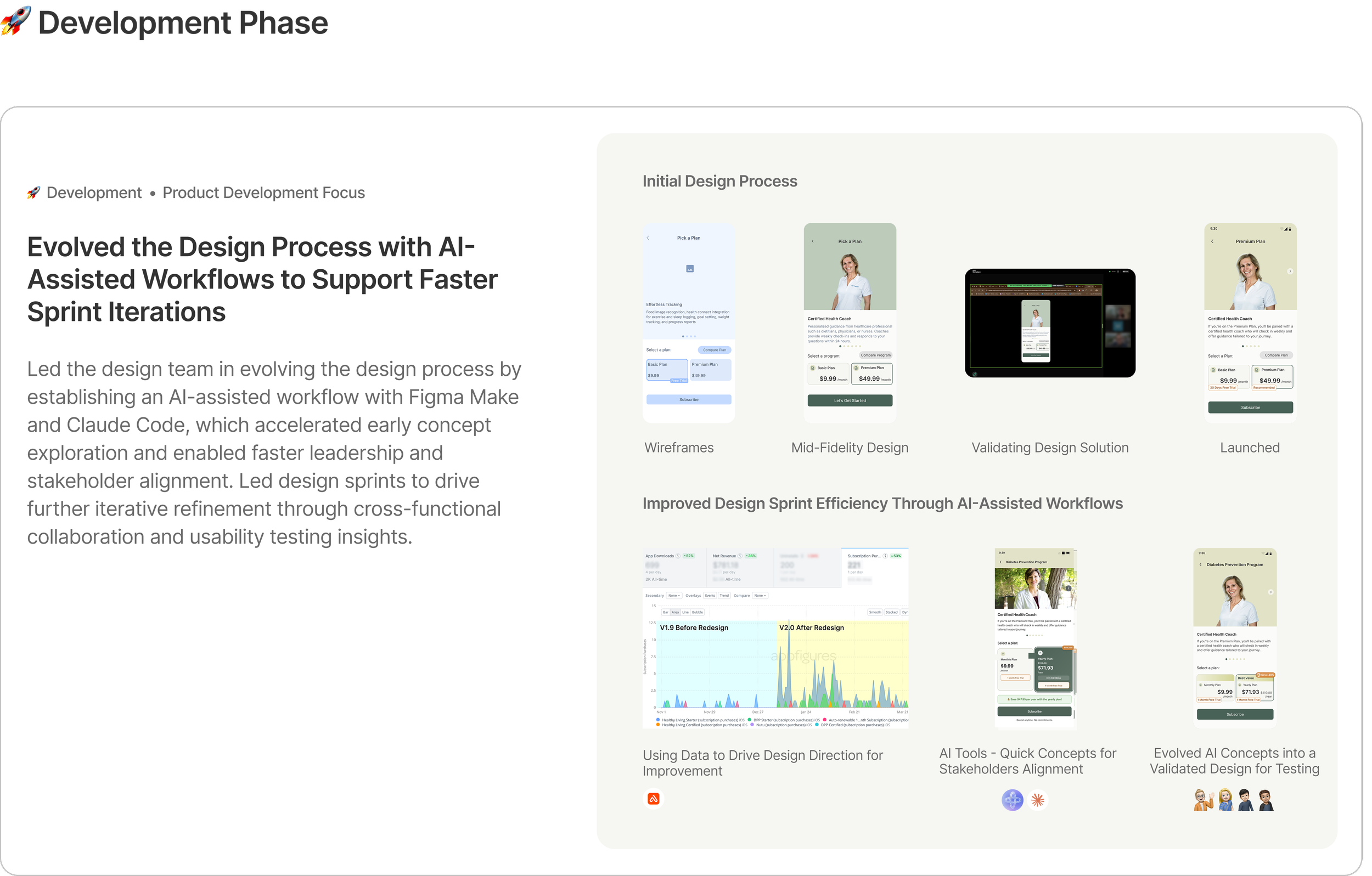
Led the redesign of five core Nutu features, aligning them with leadership priorities, success metrics, and user needs while driving a broader UI revamp that established Nutu’s first scalable design system.
Led the Redesign of 5 Core Features
My Contributions
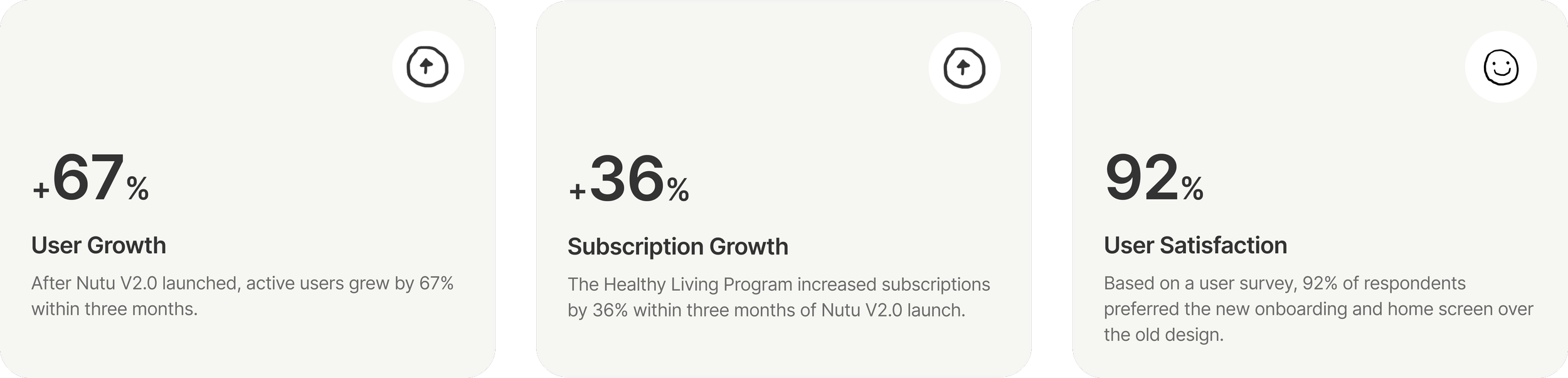
Impacts

01 Sign In/Sign Up
Increased Sign-Up Conversion by Clarifying Product Value Before Account Creation
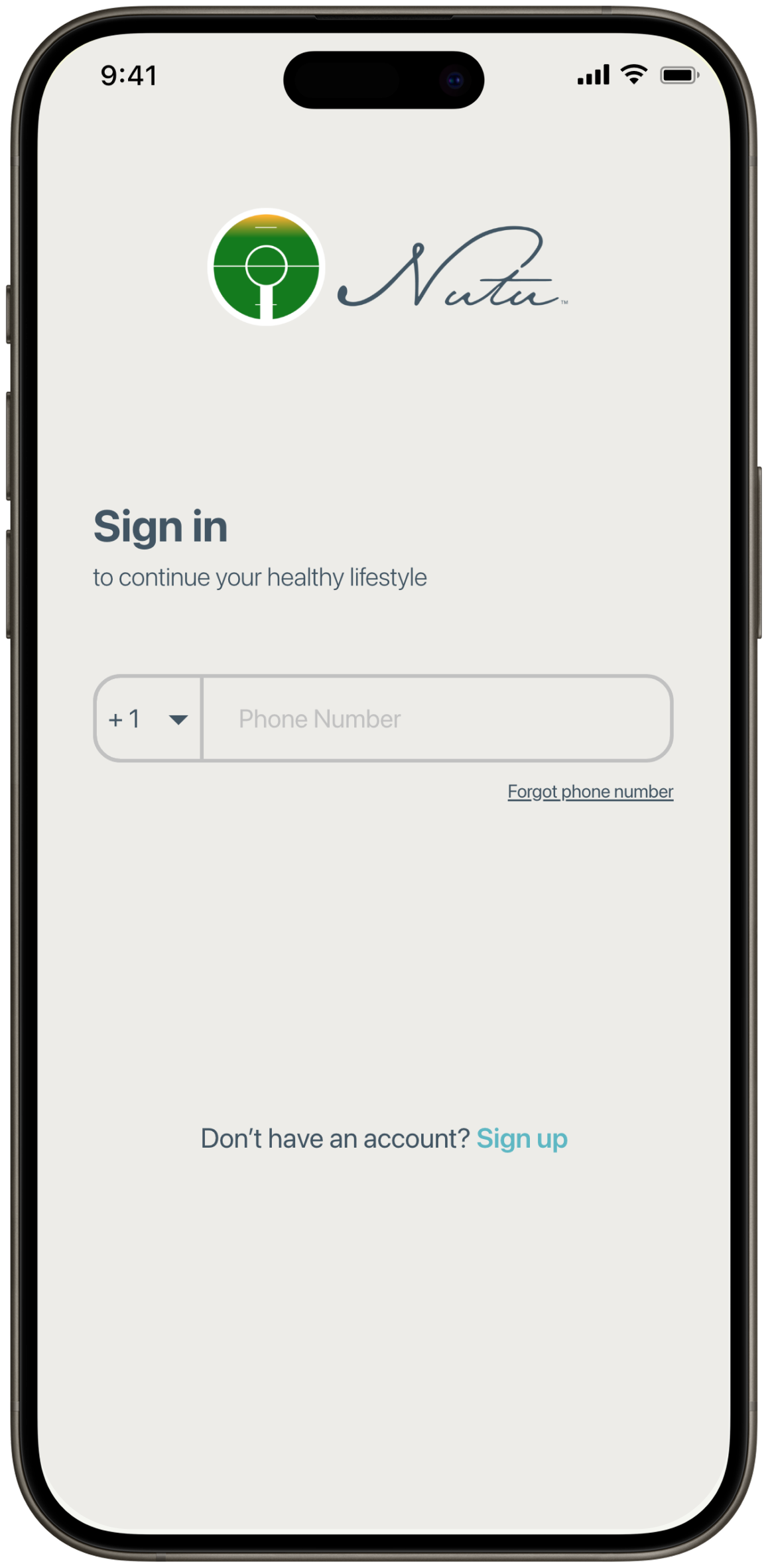
Before - Nutu V1.0
The lack of a clear product introduction led to a decrease in user sign-ups
After - Nutu V2.0
Clarified Nutu’s value proposition to drive higher sign-up conversion
02 Program Comparison
Designed a reusable comparison layout to clarify program value, reduce cognitive load, and support seamless switching between two programs.
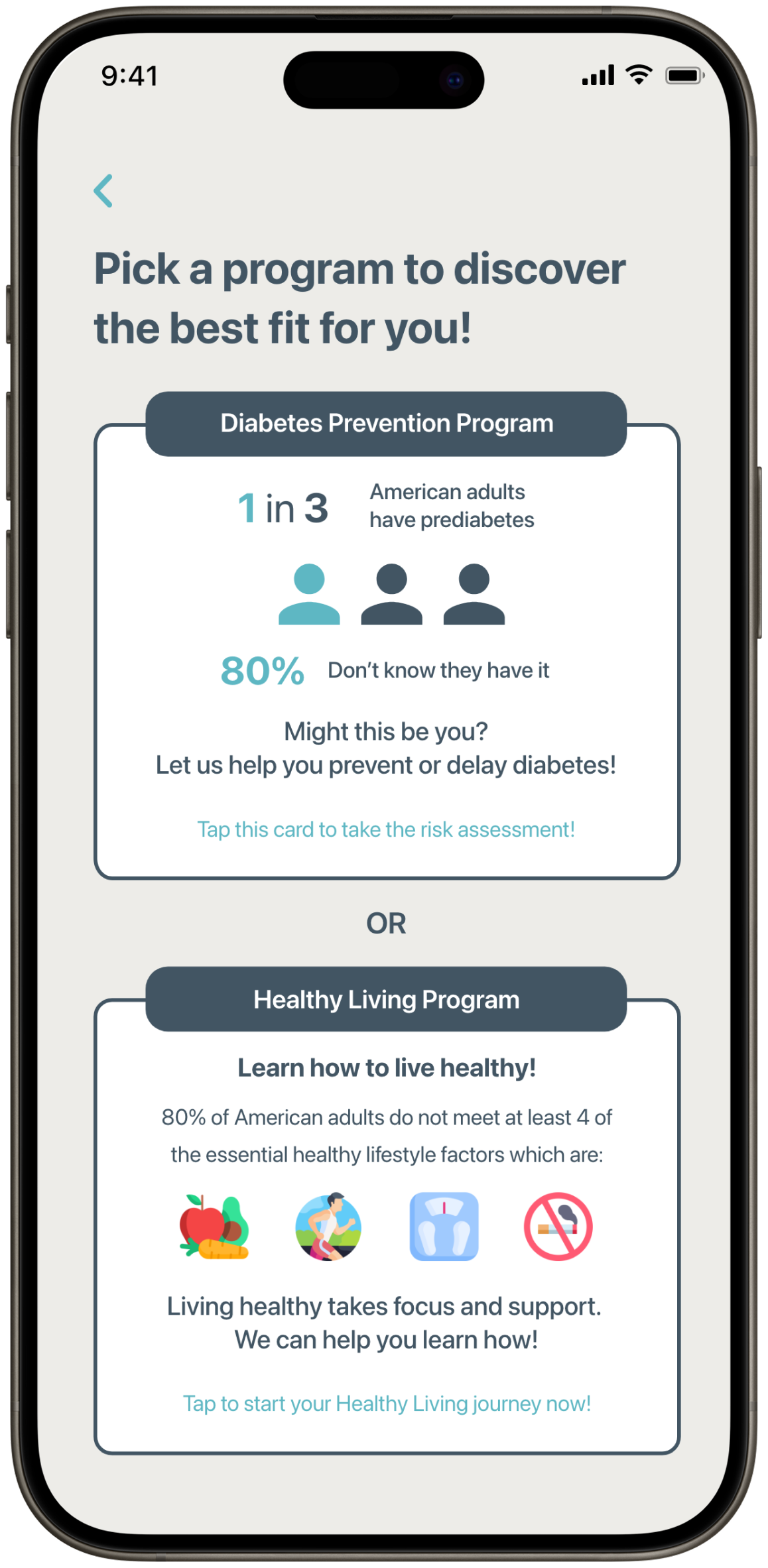
Before - Nutu V1.0
Unclear what the two programs offer
After - Nutu V2.0
Reduced decision friction by clarifying program value, enabling comparison, and supporting seamless navigation between programs.
03 Plan Comparison
Adapted the same scalable layout into a plan comparison framework to clarify key differences, improve plan value comprehension, and drive subscription conversion.

Before - Nutu V1.0
Showcases unclear plan values which reduce users’ desire to subscribe
After - Nutu V2.0
Highlights basic vs. premium plan differences with clearly emphasized feature values
04 Home
Redesigned the Home Experience to Increase Logging Engagement, Improve Insight Visibility, and Strengthen Score Transparency

Before - Nutu V1.0
Home screen with an undefined Nutu score
After - Nutu V2.0
Redesigned home screen with data overview, smart logging, and personalized insights
05 Data Entry
Partnered with Algorithm and Nutrition Teams to Design AI-Assisted Quick Logging That Reduced Input Effort and Encouraged Healthier Eating Habits
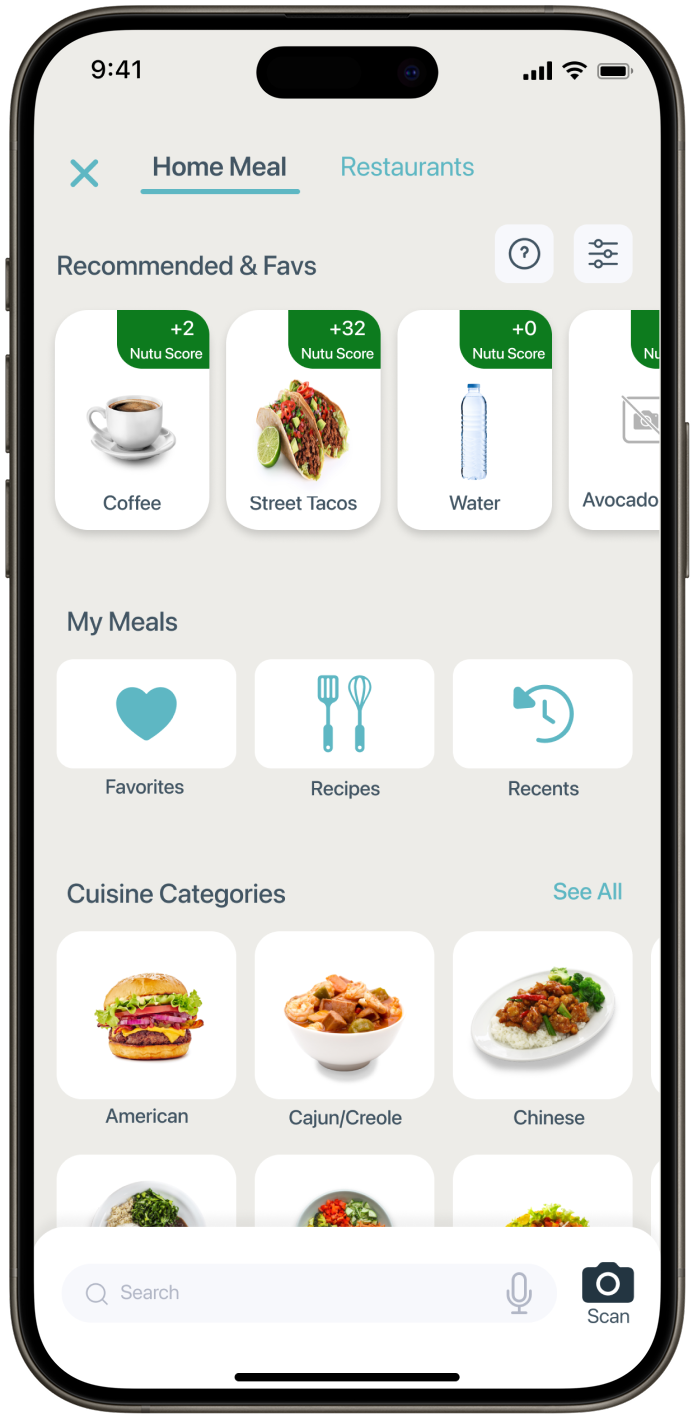
Before - Nutu V1.0
Hidden, multi-step data entry creates friction and discourages users from logging
After - Nutu V2.0
AI food logging system that predicts user preferences and suggests healthier options
06 Daily Task
Elevated daily tasks to drive logging engagement and support healthy habit formation.
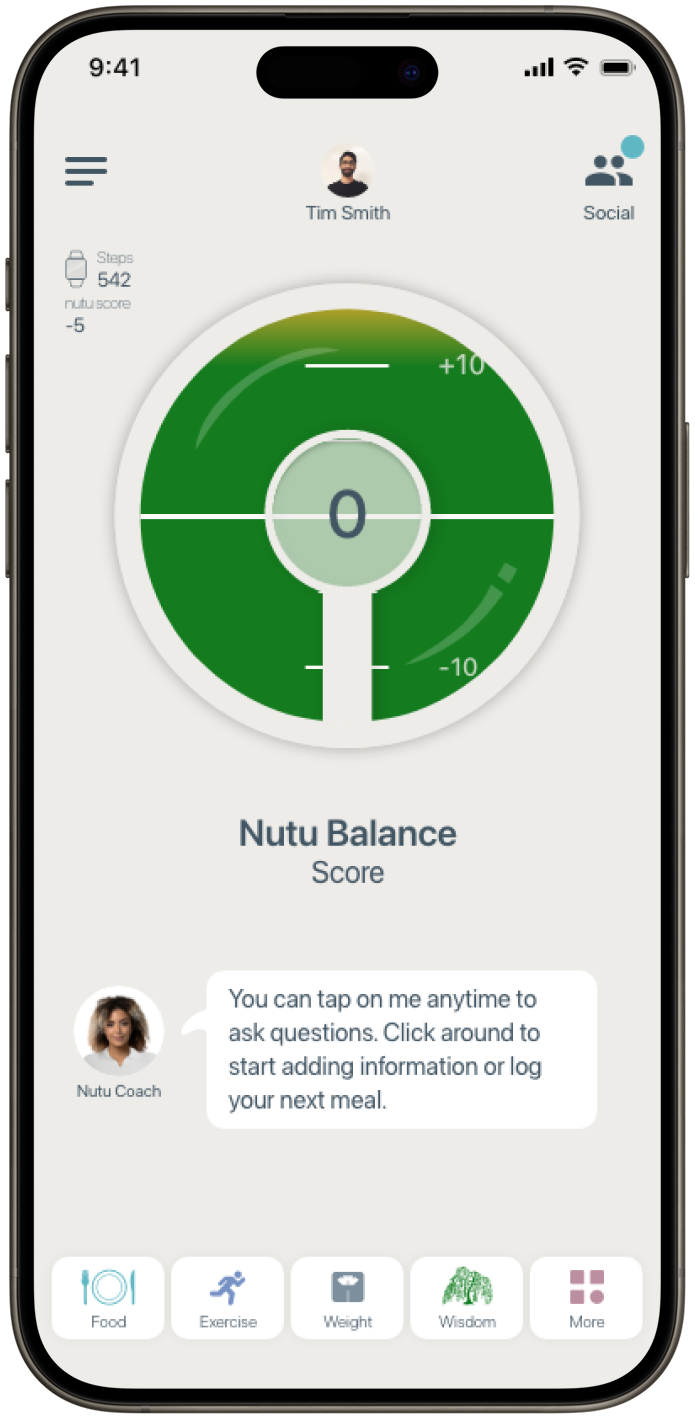
Before - Nutu V1.0
No prompts to build healthy habits
After - Nutu V2.0
Promoted daily tasks to encourage logging and support habit formation

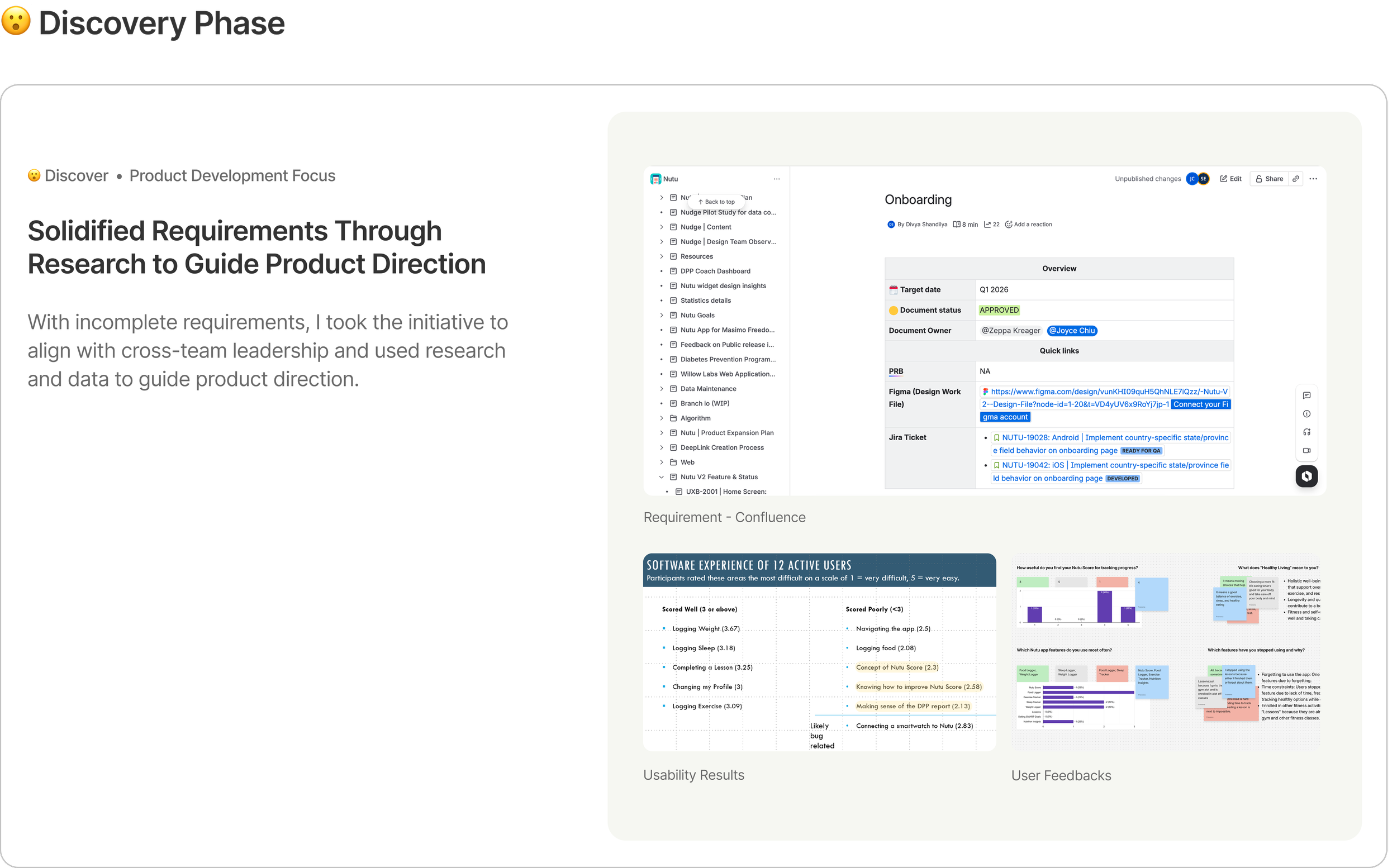
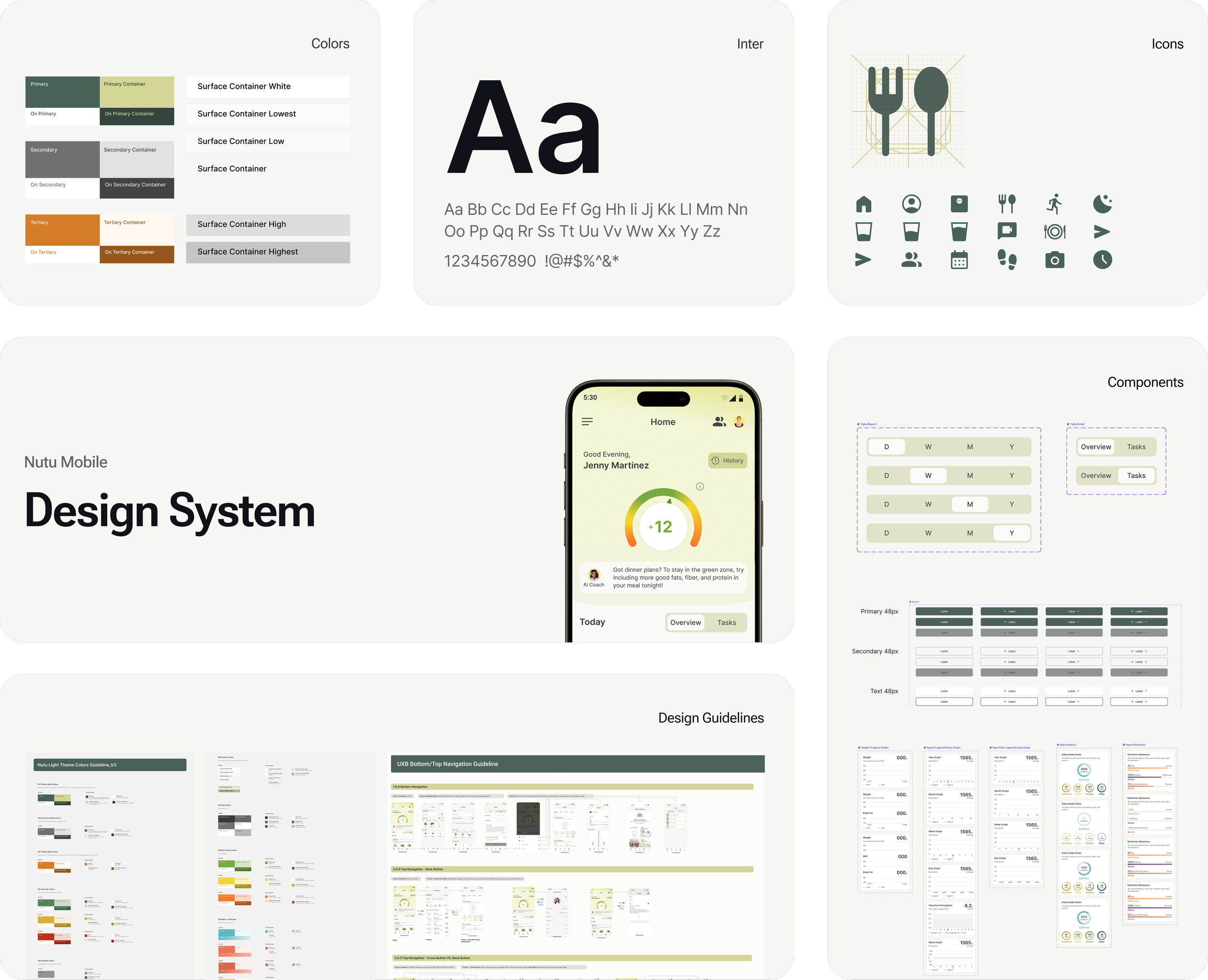
Design System
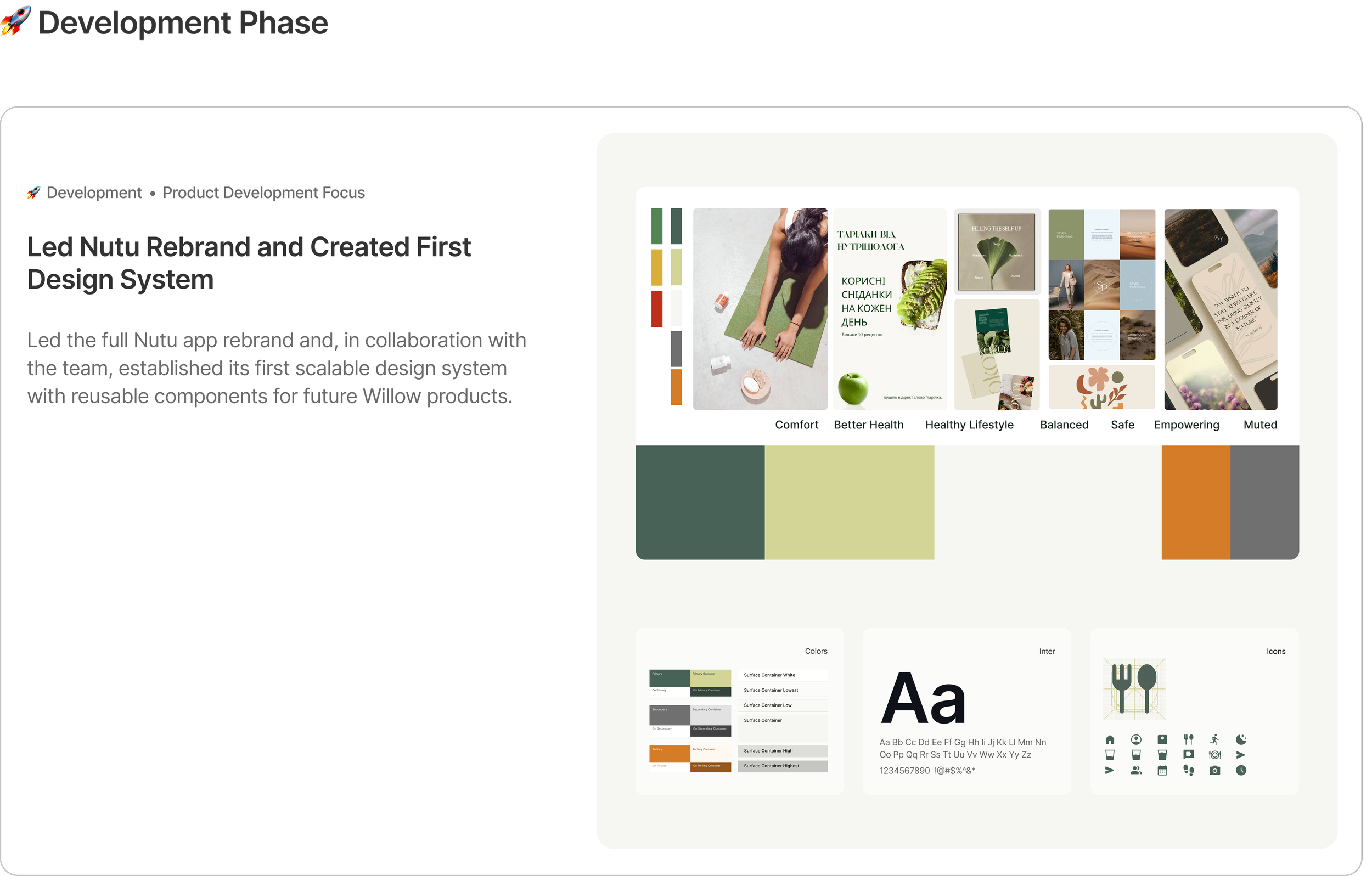
Built Nutu’s first design system, now being adopted across the company’s upcoming mobile products.